


Sticky notes in every color
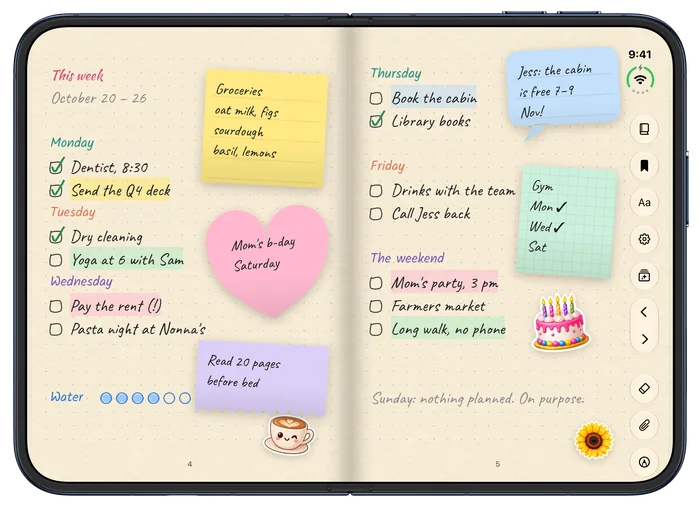
A weekly plan with groceries, a birthday and a reminder to read before bed.
Foliva for the web and iPhone Duo
Type right on the lines in handwriting that looks like yours, sketch with your finger, and fill beautiful textured paper. Your notebooks sync to any browser in real time, free.
Works with Apple Pencil (USB-C) on iPhone Duo with iOS 27.2 or later

Writing
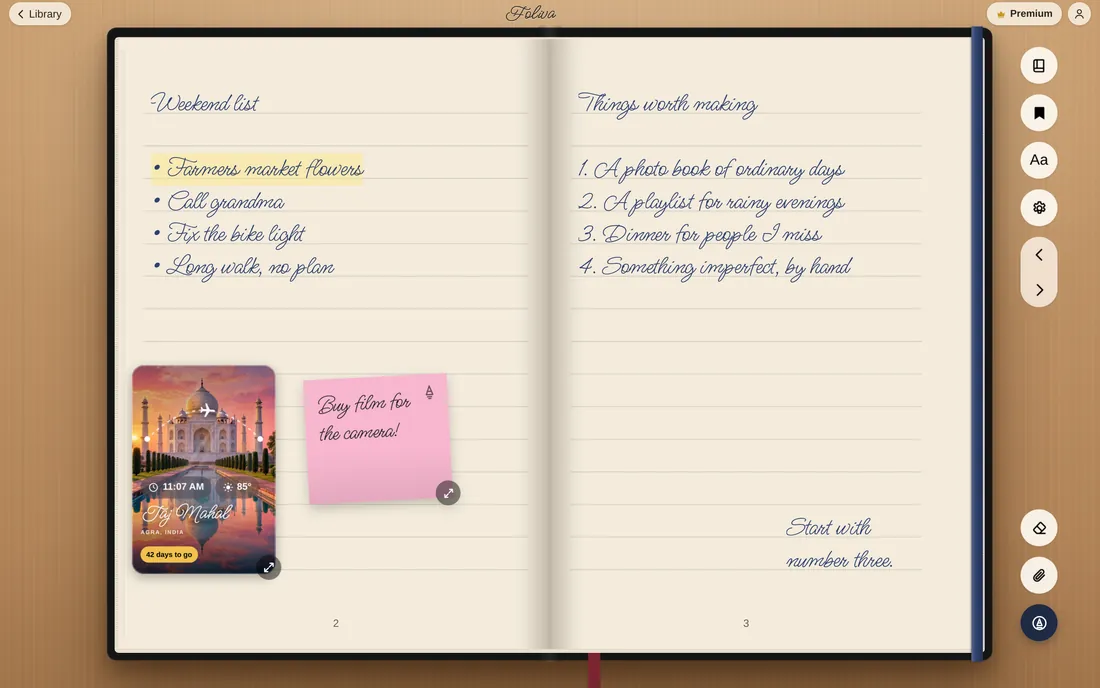
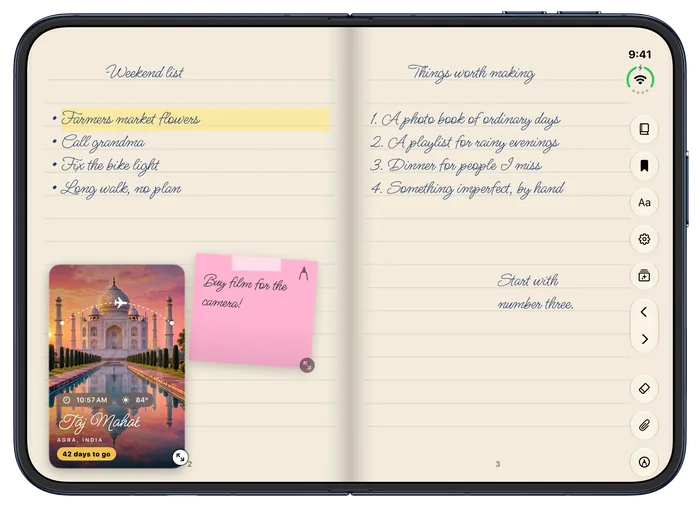
Tap anywhere on the page and start typing, right on the ruled lines, in a handwriting font. Nothing slides around, and nothing floats over your notes.

Sync, free
Your notebook syncs in real time between your iPhone and the Foliva web app, and keeps working when you’re offline. Sync is on the free plan, not locked in a “Pro” tier.
On the web
On iPhone Duo
On your computer
On your computer, your notebooks sit on a shelf, and each one opens like the real thing, with designed covers you’ll recognize at a glance. Living covers keep moving right there on the shelf.

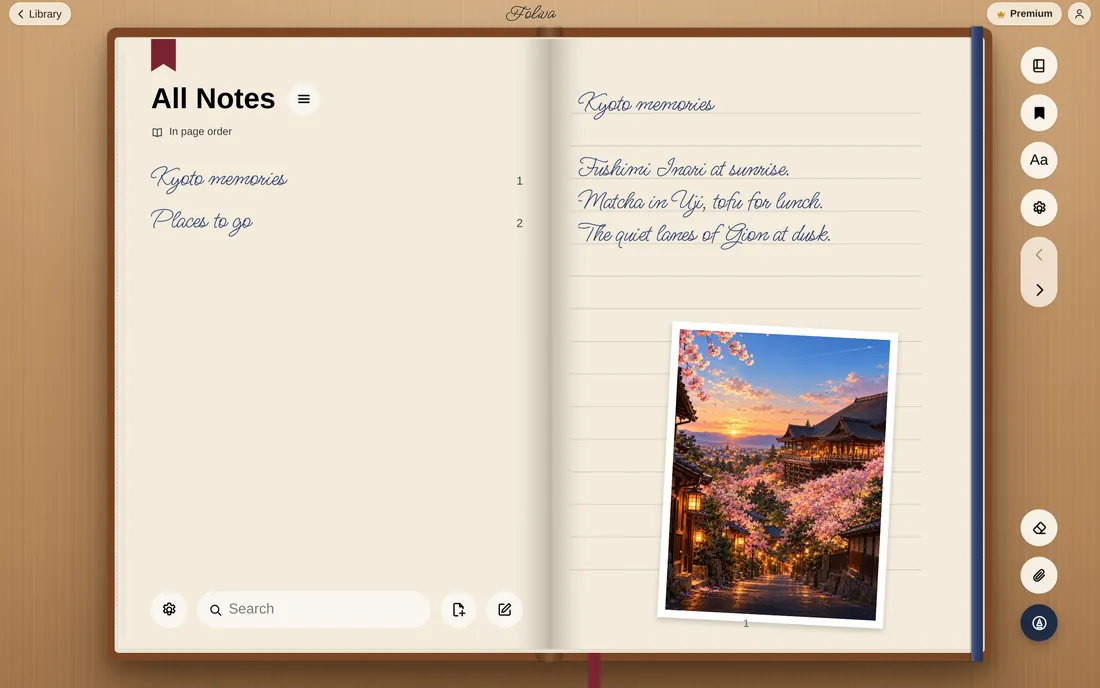
Covers · Foliva Plus
Living covers keep moving while your notebook is closed: fish swim after your pointer, petals drift, snow falls, stars stream past. Designer covers set a daily quote, word by word. And widgets pin the time, the weather or your latest note right on the cover.


Living covers, designer covers and widgets are part of Foliva Plus. Recorded in the Foliva web app.
Paper
Choose from 176 textured papers in 18 collections, plus everyday paper in every ruling you need: lined, dot, grid, Cornell, engineering, planner and music. No more buying texture packs and importing PDFs.
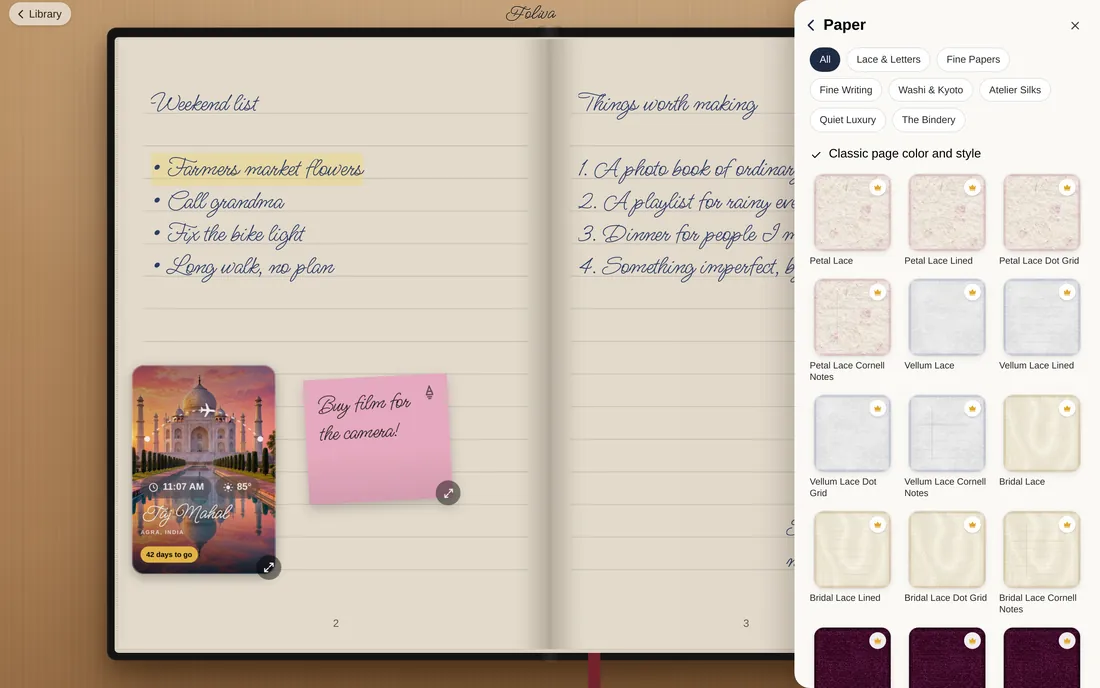
Every paper, in every ruling.
Paper on iPhone Duo
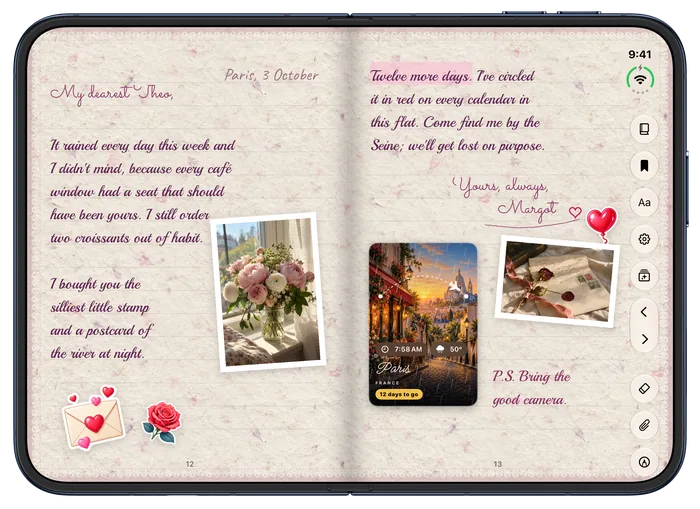
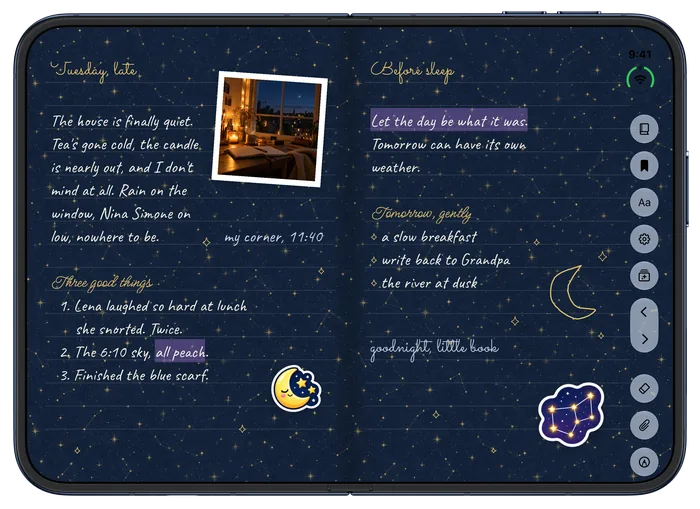
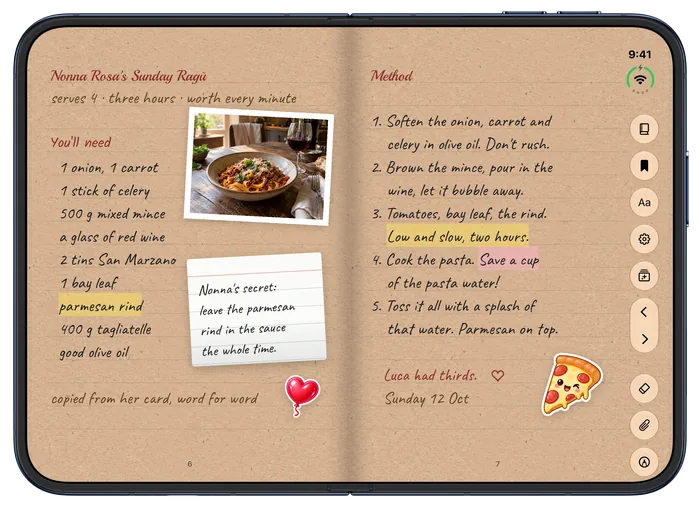

Foliva on iPhone Duo
Foliva fills the inner screen edge to edge and opens and closes with the fold, so it feels like opening a notebook, not squinting at a stretched app.
Foliva for iPhone is in TestFlight. The App Store link comes with the release.
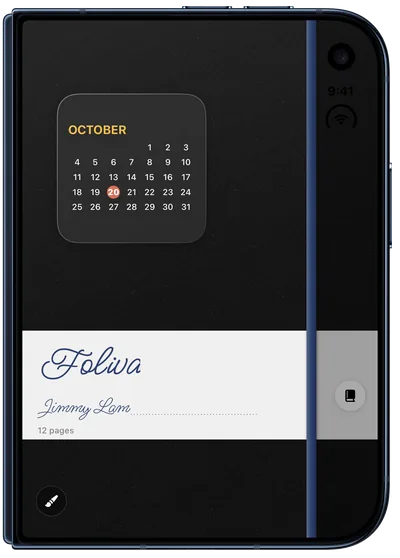
Covers on iPhone Duo
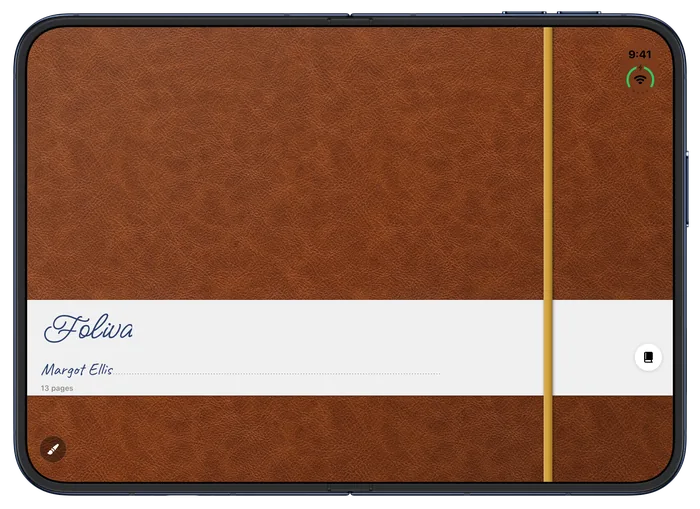

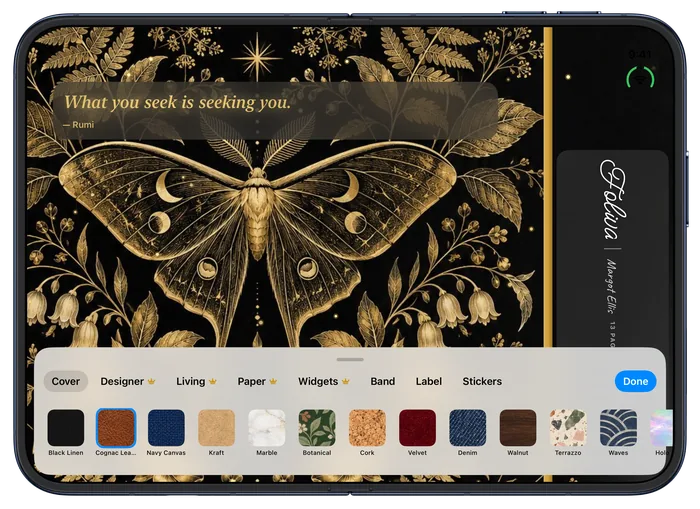
On the page
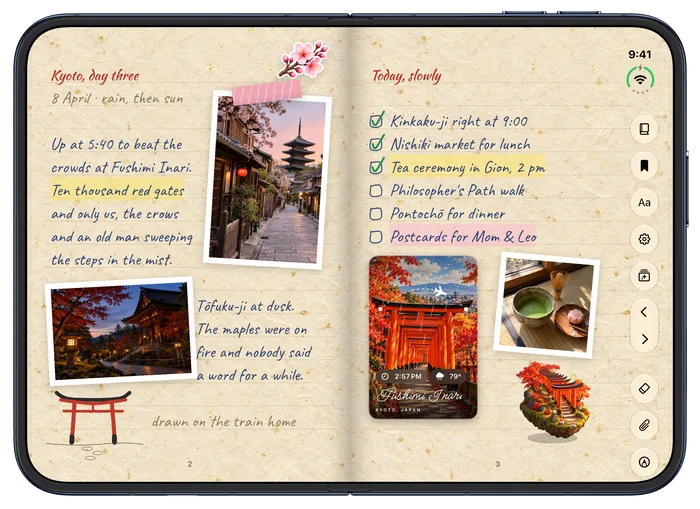
Add sticky notes, photos, stickers, 3D models and living travel cards, all right on the page. No extra apps needed to decorate.
A weekly plan with groceries, a birthday and a reminder to read before bed.
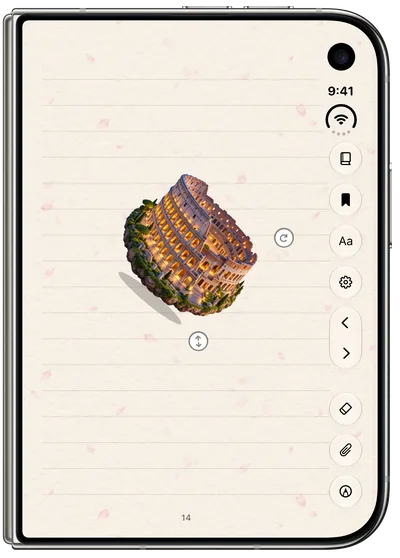
Set a little Colosseum on the page and watch it move as you tilt the phone.
Packs for faces, animals, food, plants, travel and study.

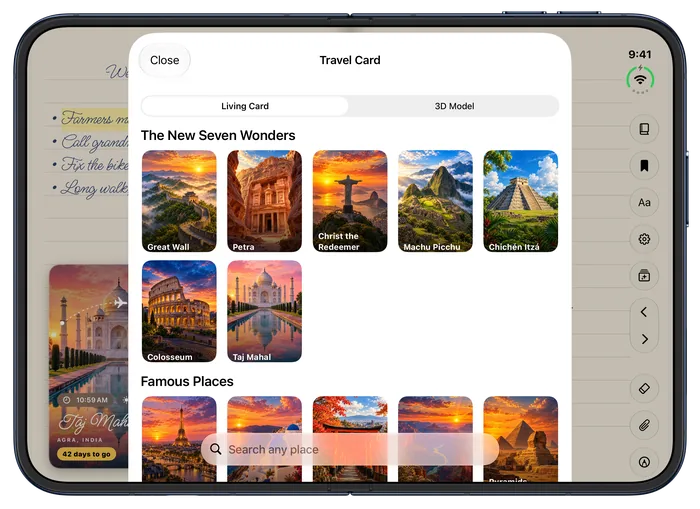
Painted places with their local time, the weather there and a countdown to your trip.
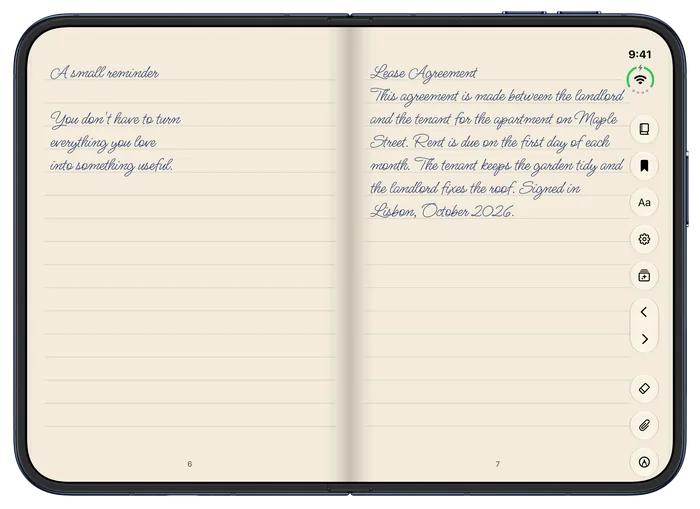
Text PDFs turn into pages you can edit, with the original kept.
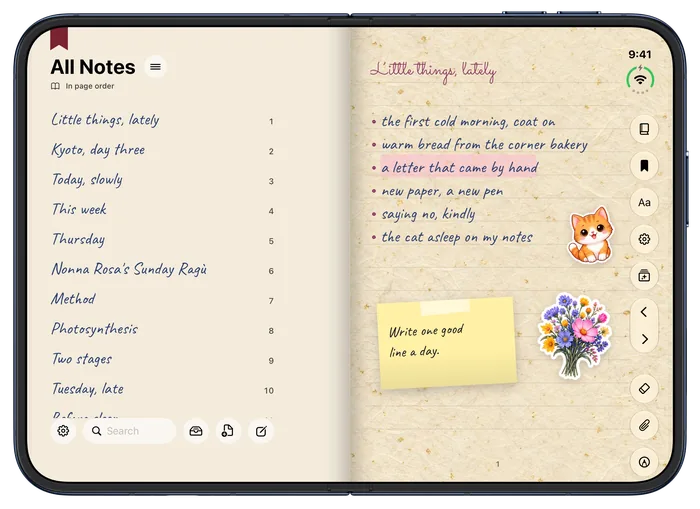
Every page listed in handwriting, with folders and search.
Foliva Premium · Planners
♛ Premium Premium planners: included with Foliva Premium, or $1.99 each. Planners aren’t part of the free plan.
Pick one of 50 planners and one of 12 designs, type any year from 2027 on, and Foliva makes the whole planner: the year, every month, week and day, with your holidays. Start it in August for a school year. Then tap a date to jump to it, tick habits, type in the boxes and add appointments, on iPhone Duo and on the web, always in sync.


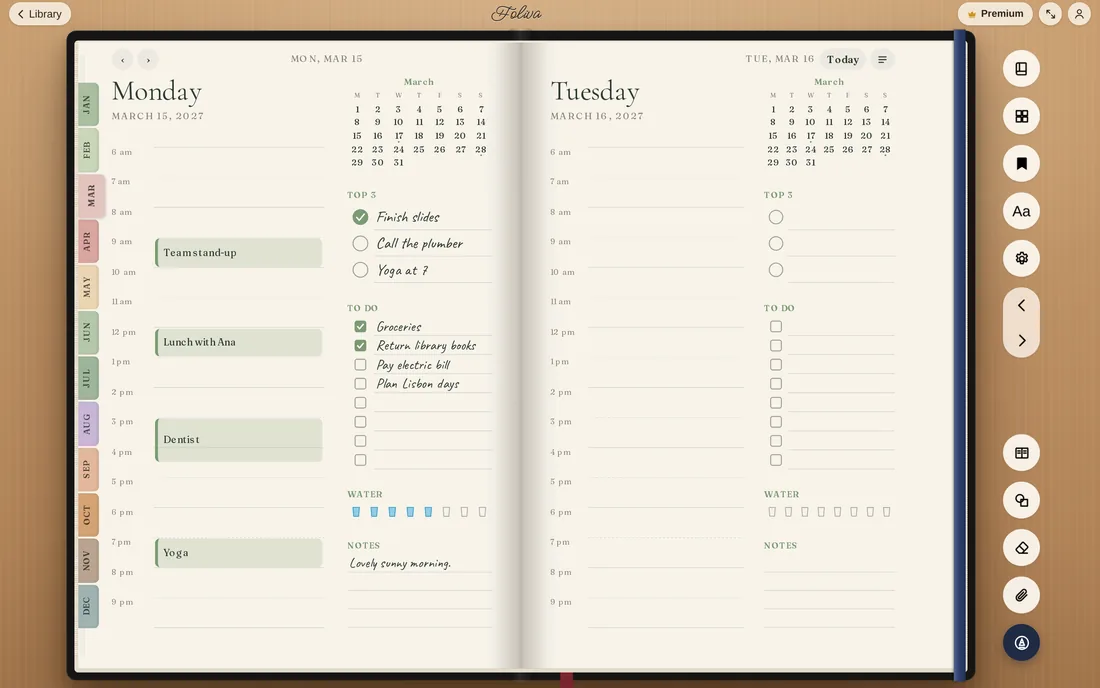
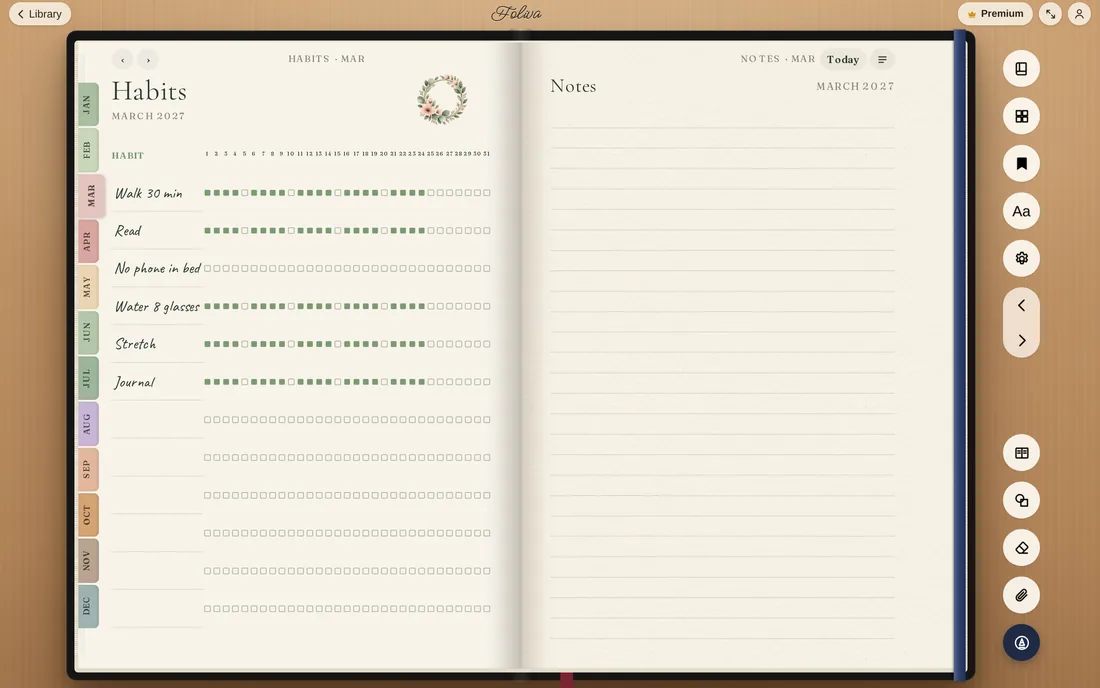
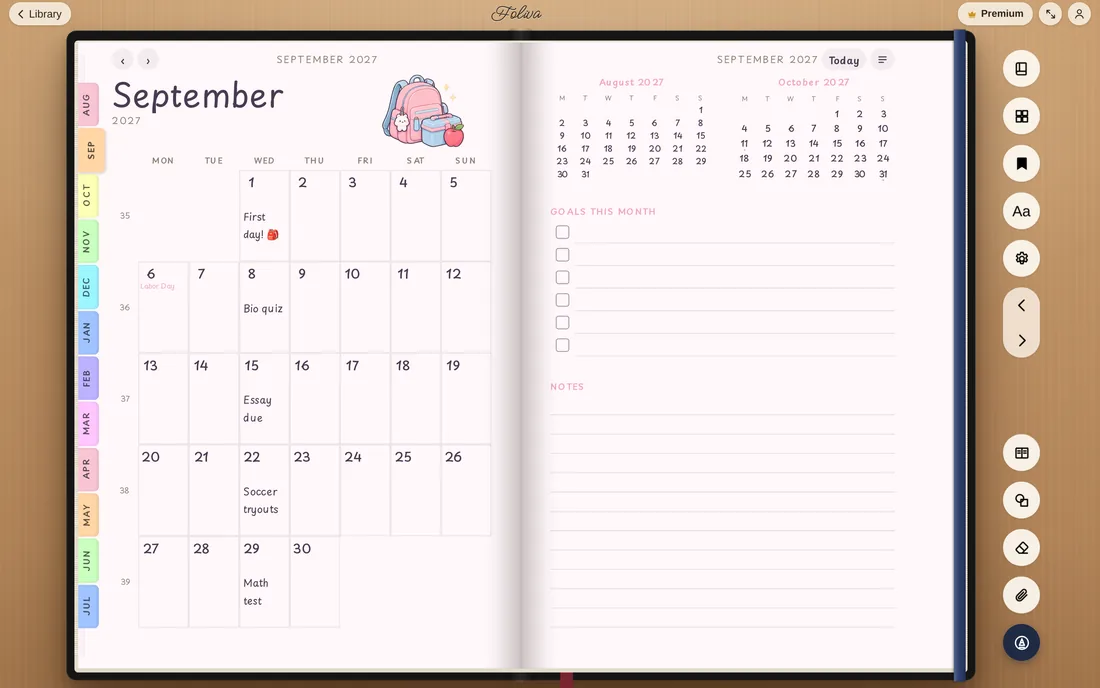
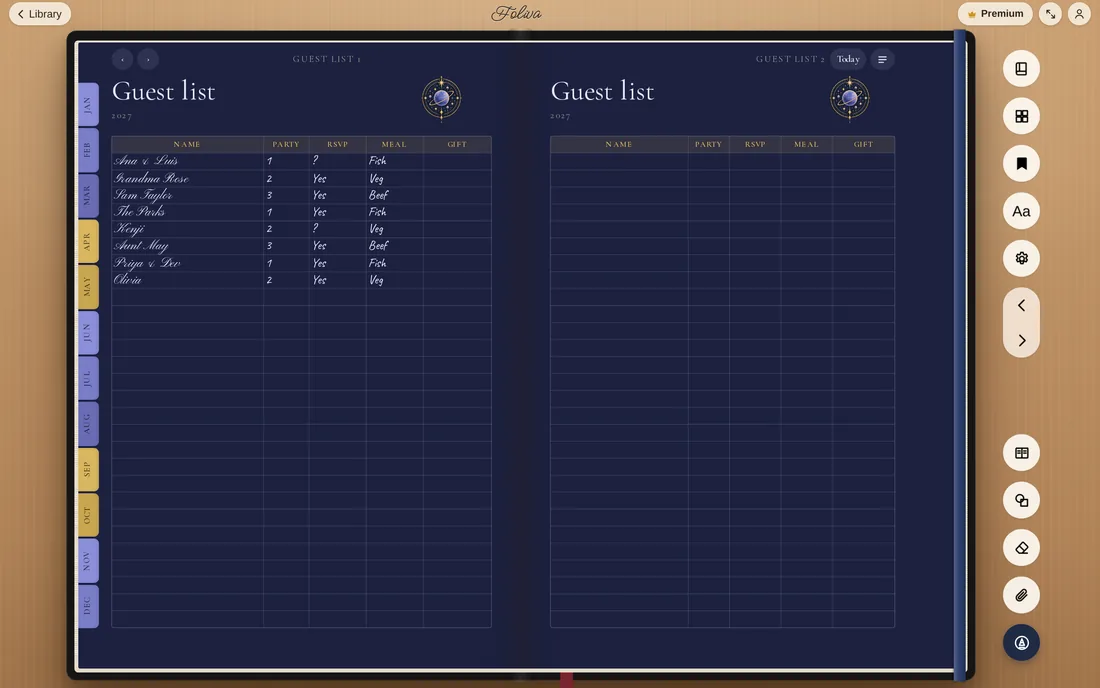
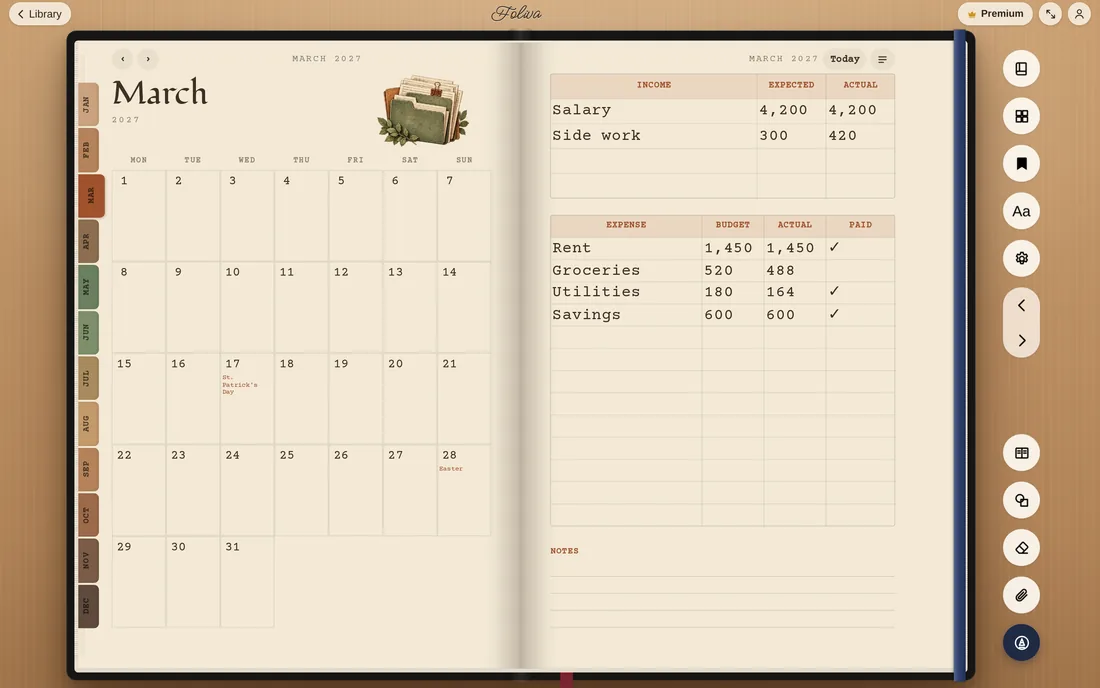
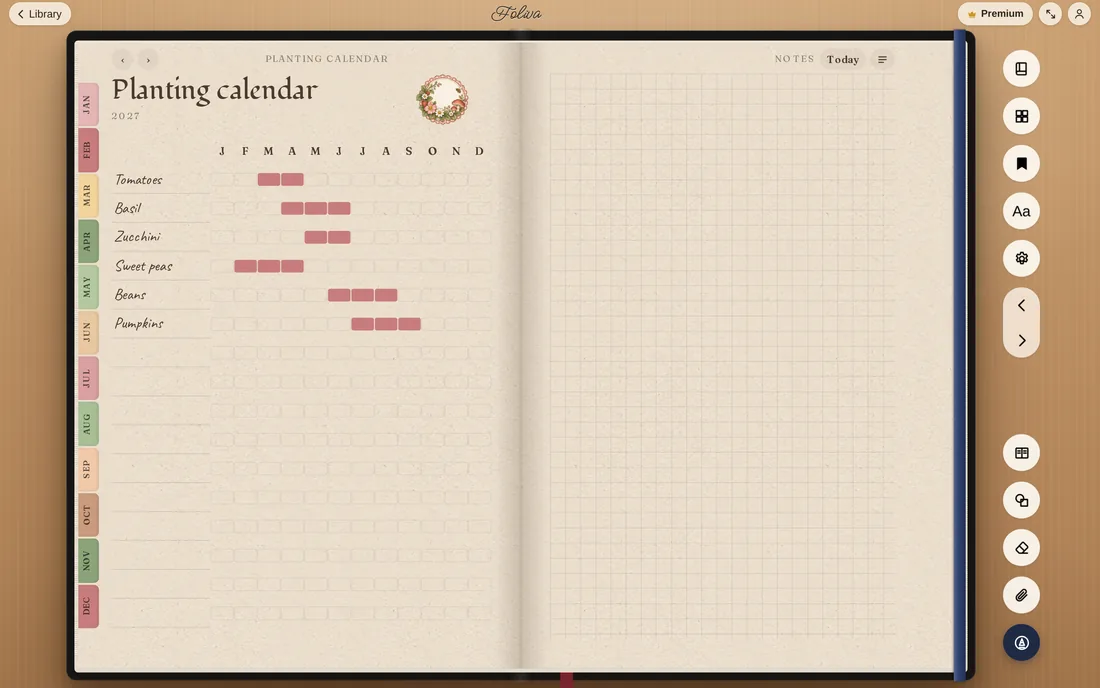


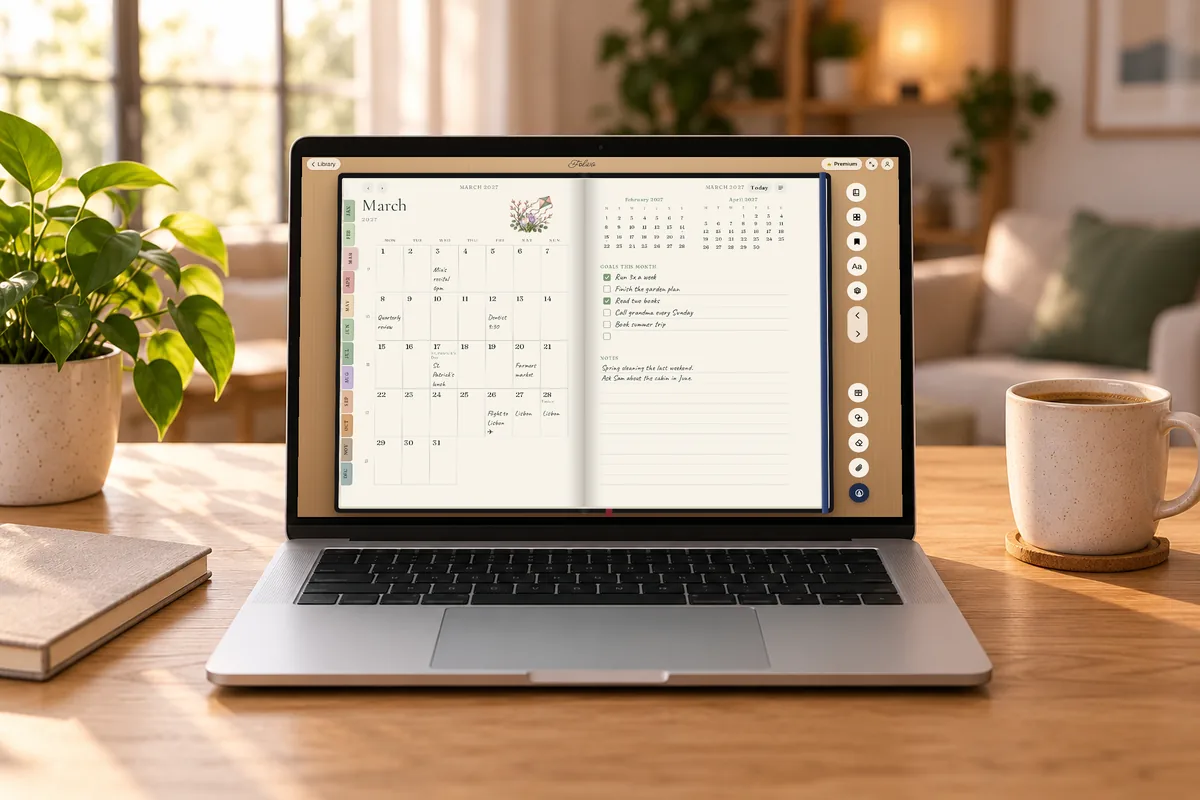
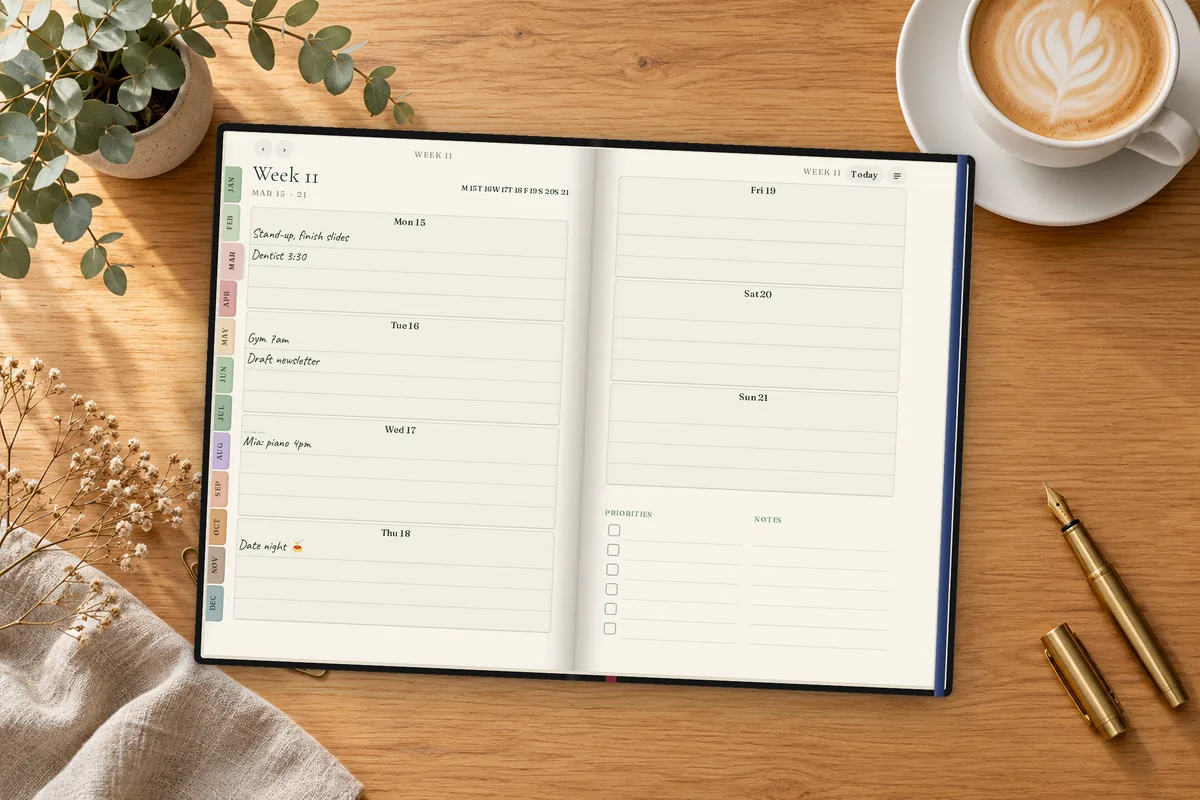
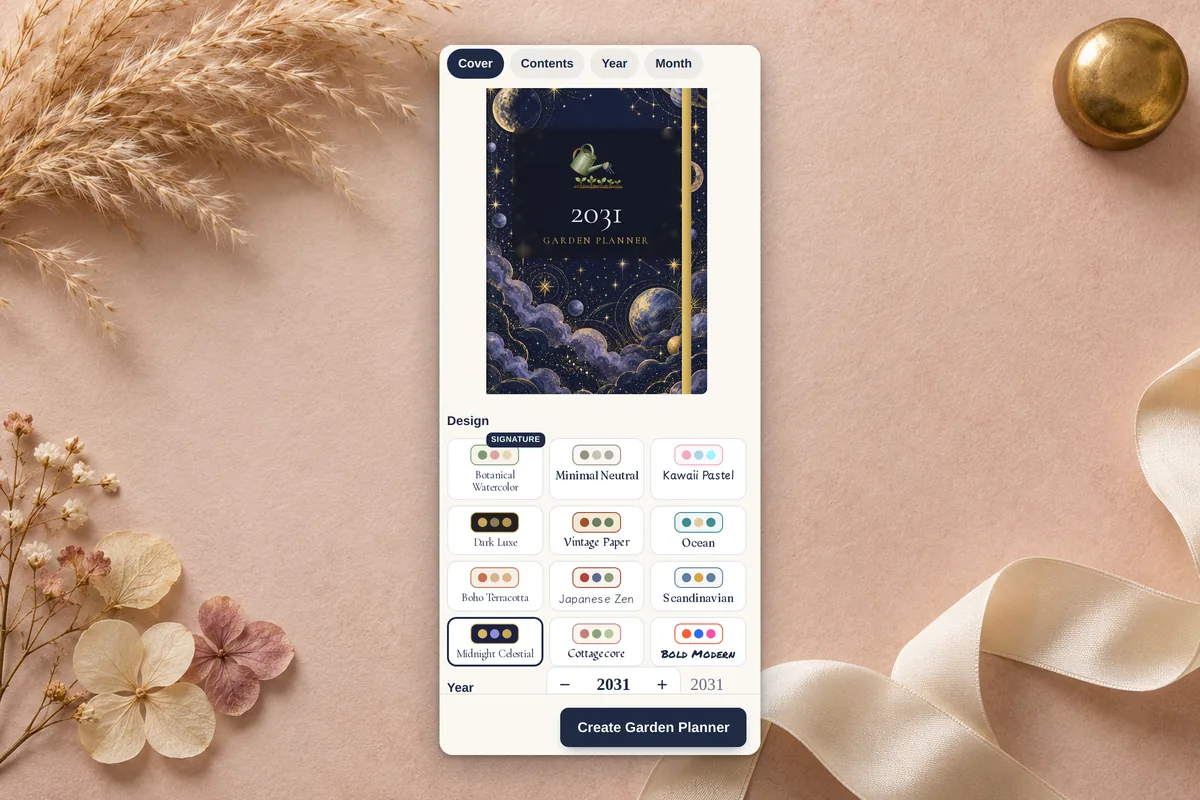
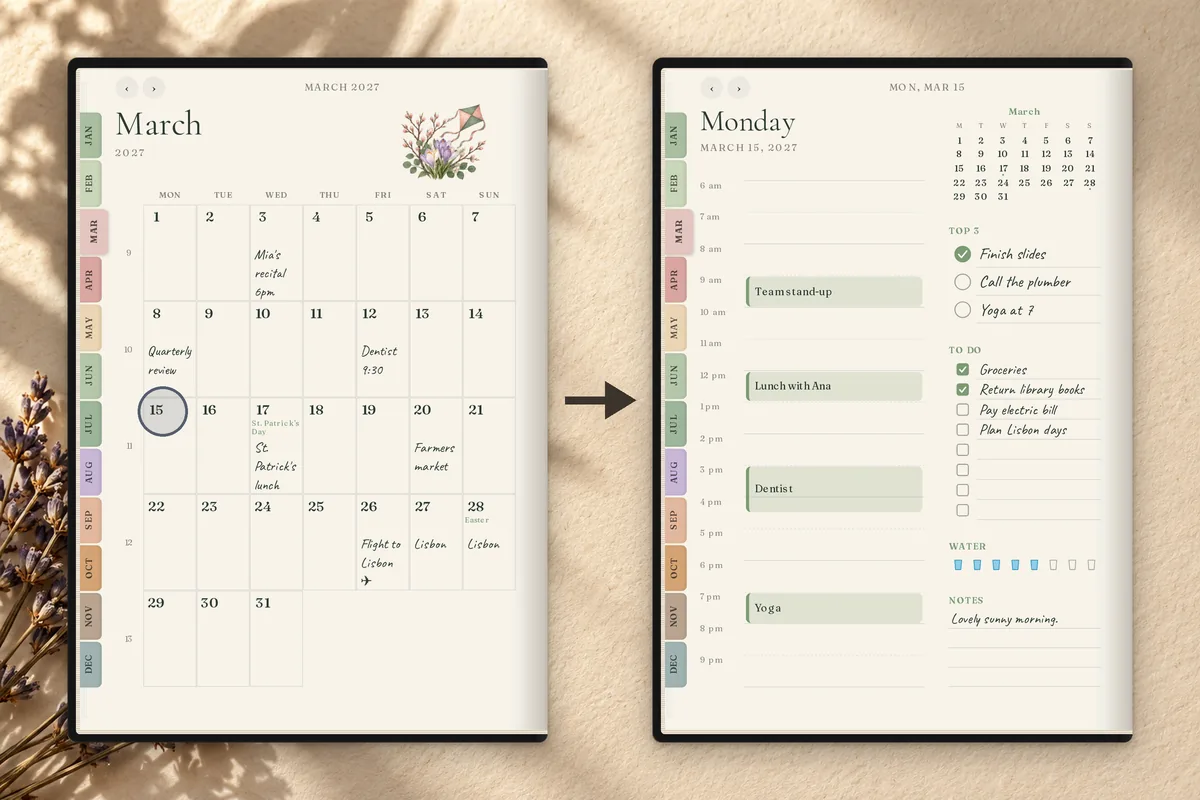
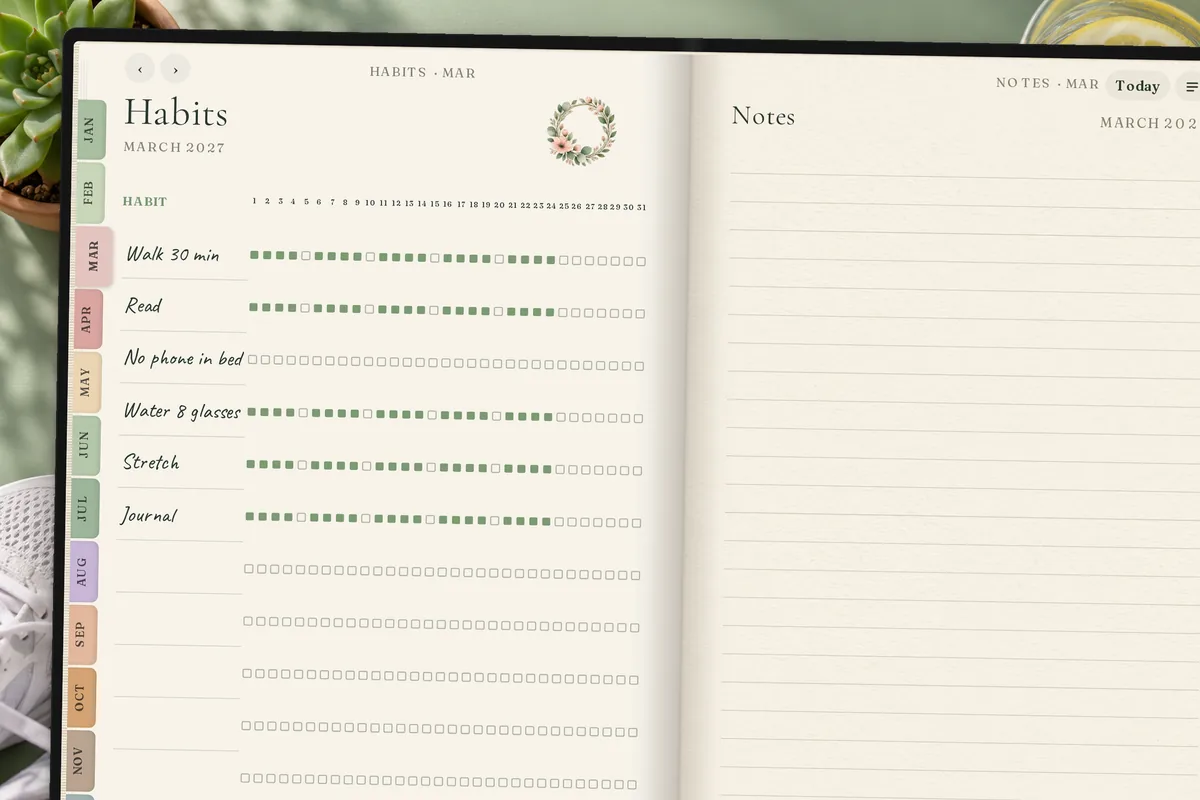

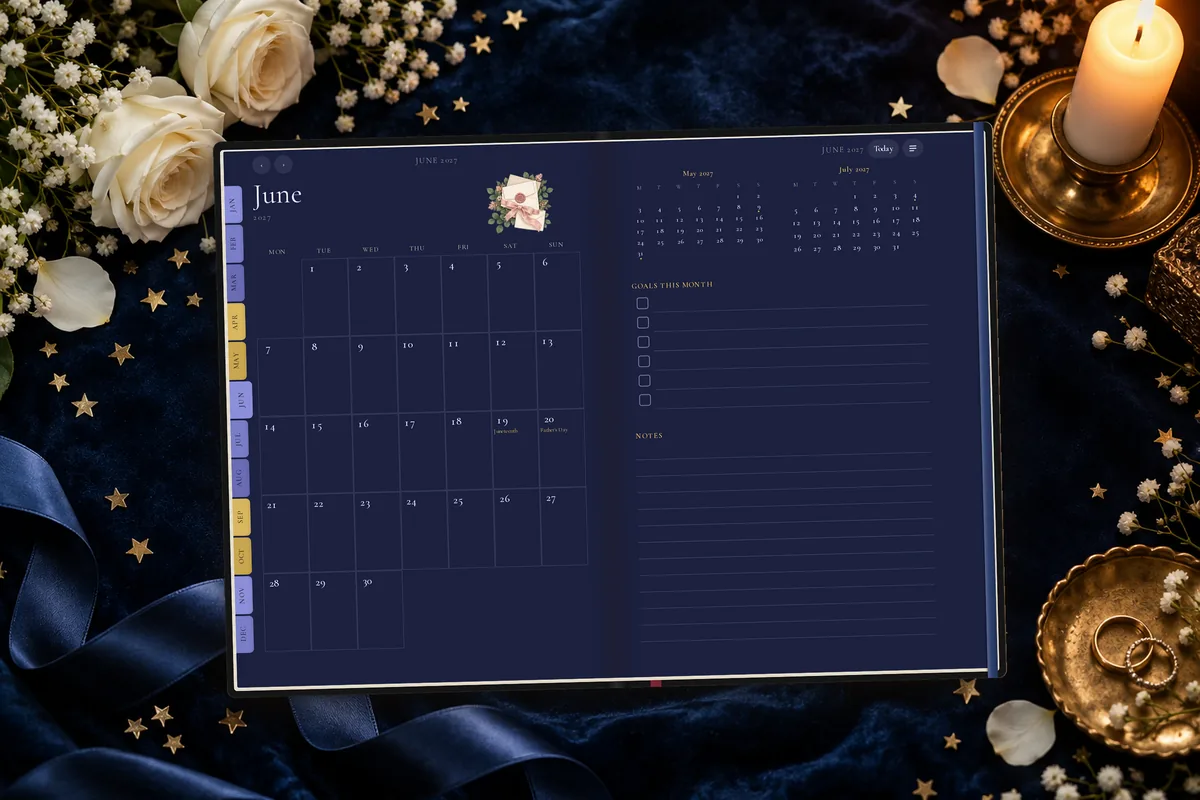
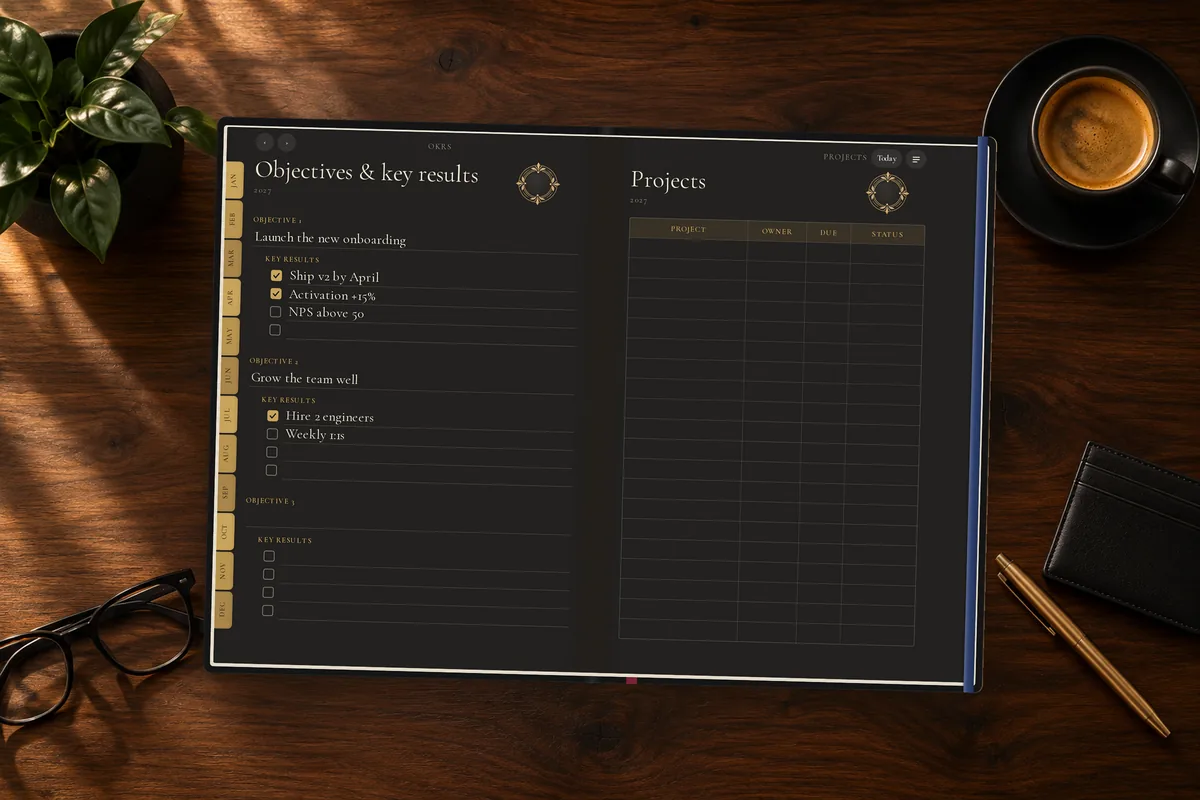
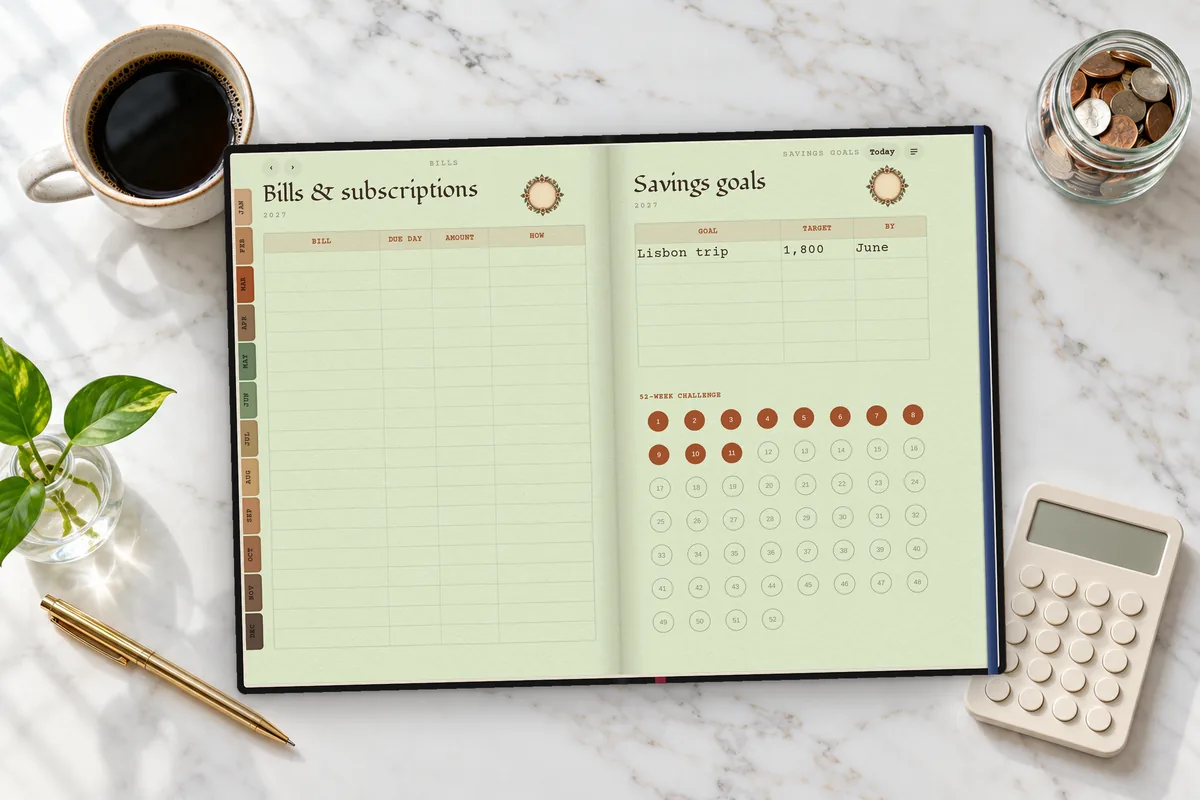
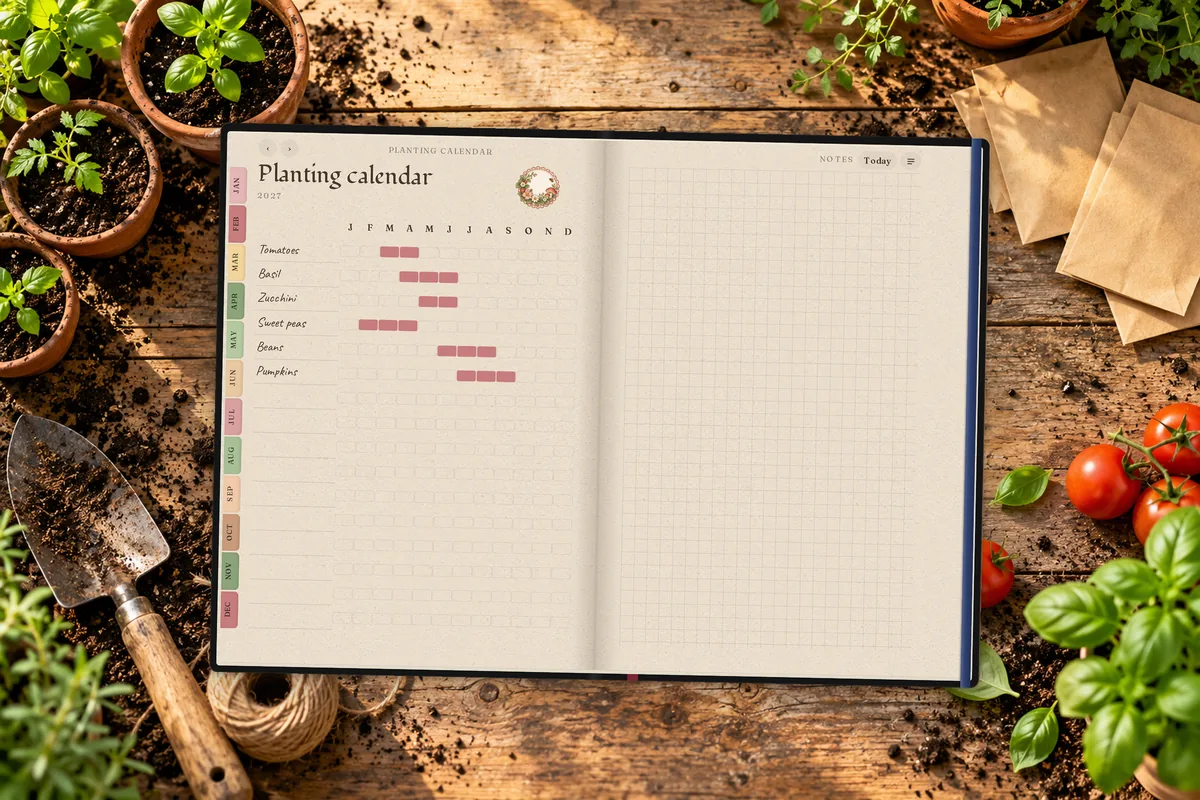
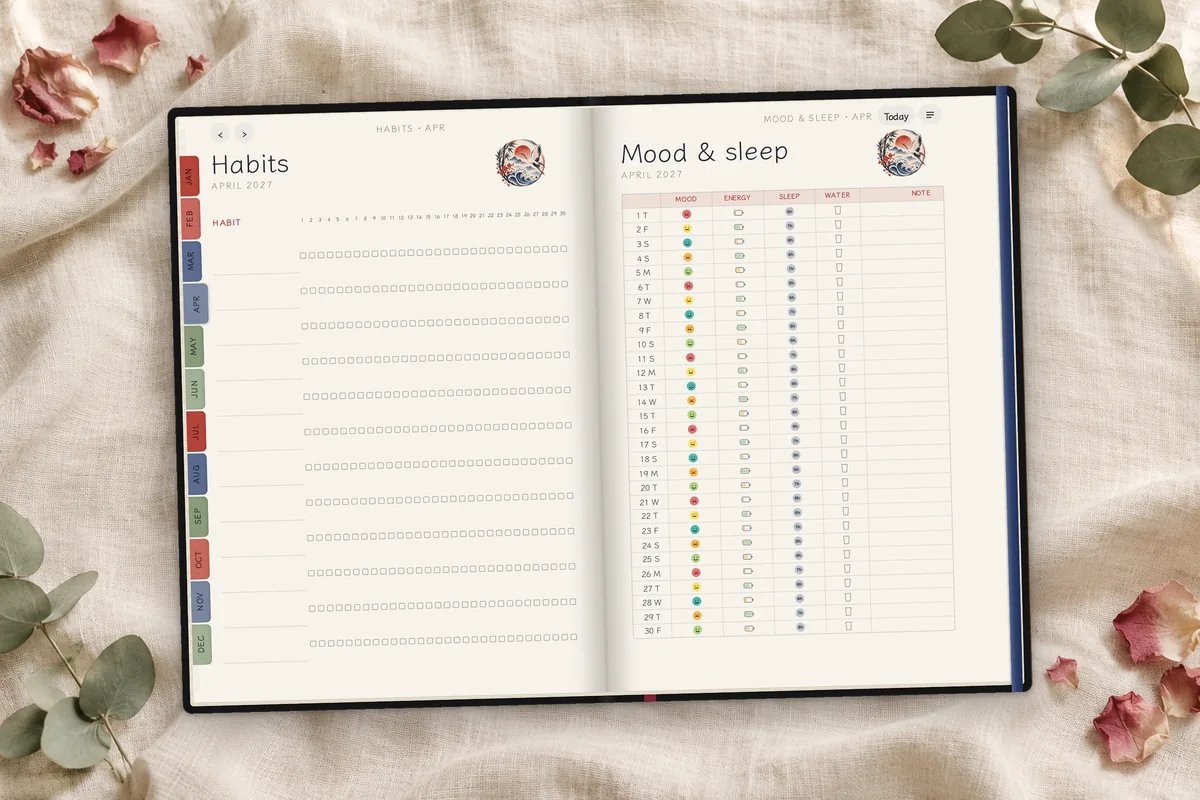
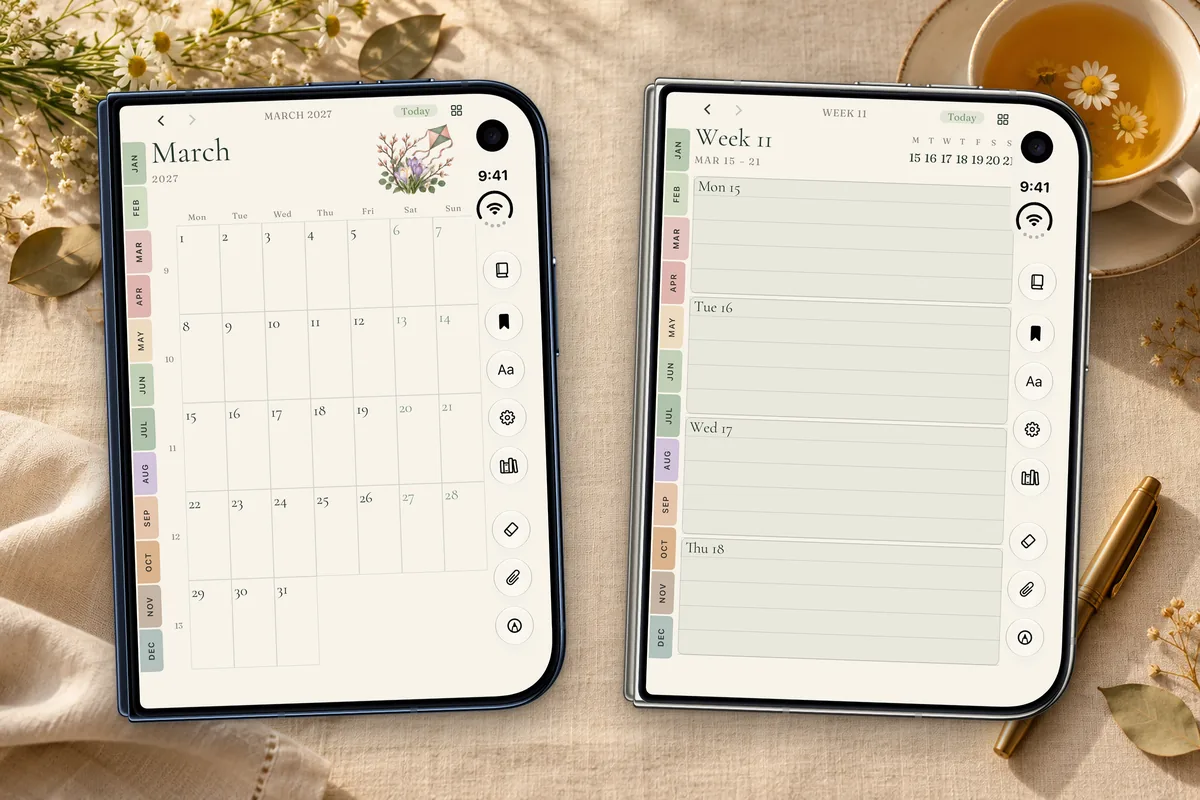
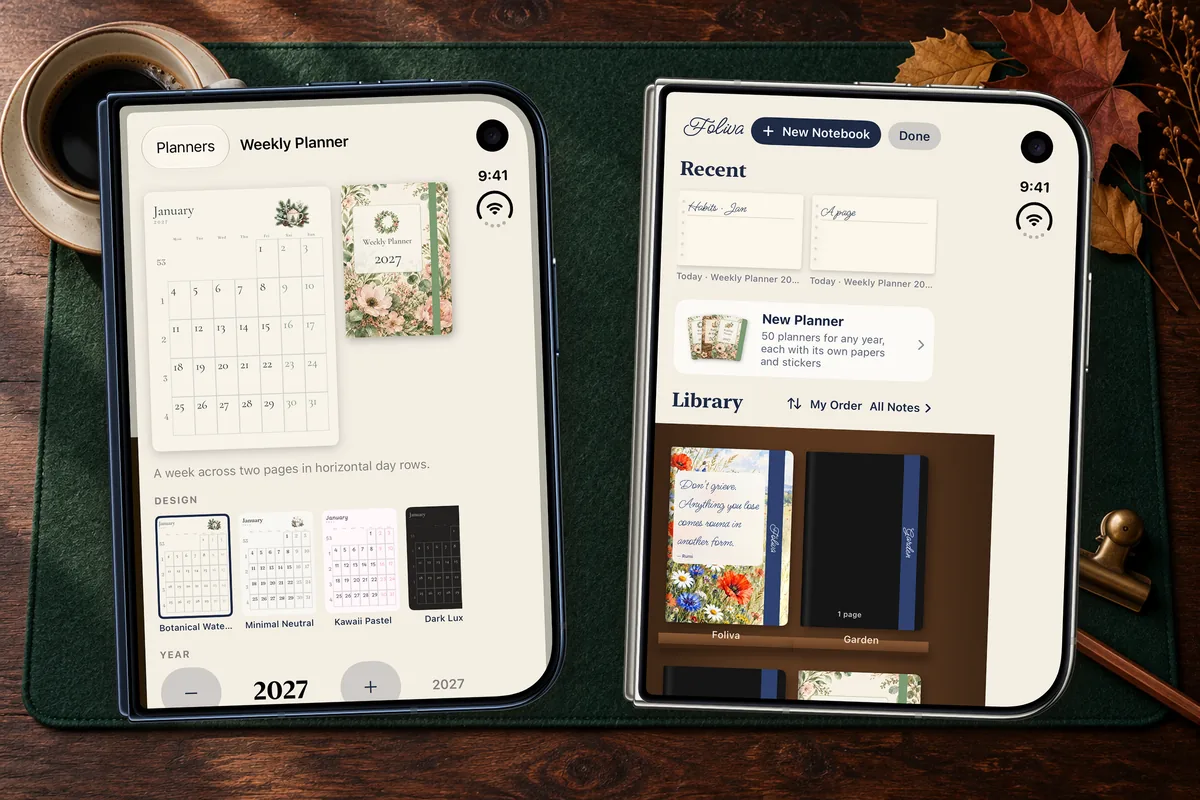
Premium planners: included with Foliva Premium, or $1.99 each in the Marketplace. Each planner comes with its designs, papers and stickers. Recorded in the Foliva web app. See Foliva Premium
Foliva Premium
Sage is part of Premium and only works on the text you select. If you never select anything, it never touches your notes. On the Free and Plus plans, Sage isn’t there at all.
Only the text you select is sent to Foliva’s server for the answer, and only when you ask.
See Foliva Premium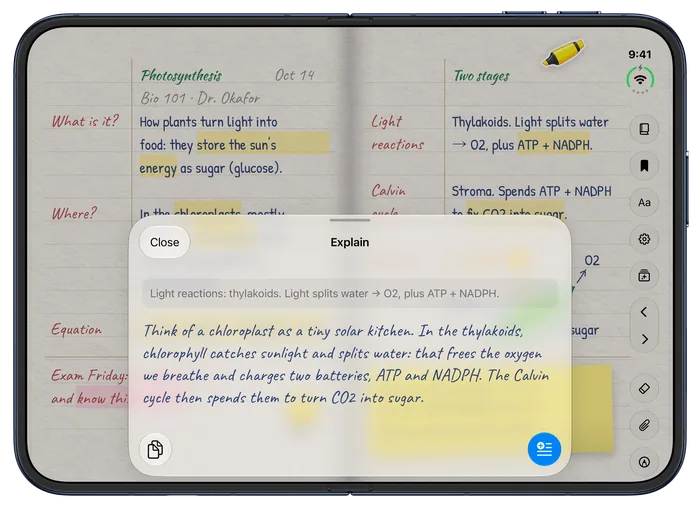
Sage explaining a selected line, on iPhone Duo
Compare
Including the places where Foliva says no.
| Feature | Foliva | Leading note apps |
|---|---|---|
| Sync across devices, included free | Yes, in real time | Often behind a paid plan |
| Notebooks on the free plan | No limit | Often capped at a few |
| Type directly on the ruled lines | Anywhere, in handwriting fonts | Usually text boxes |
| Real textured papers | 176 in 18 collections | Plain colors and rulings |
| Built for iPhone Duo’s inner screen | Yes, edge to edge | Mostly letterboxed |
| AI only when you ask | Yes, Sage works on the text you select | Often built in or pushed |
| Notes stay editable if you stop paying | Yes | Some lock notebooks read-only |
| One-time purchase | Not offered | Some offer one |
| Export and print | Not yet | Usually PDF export |
| Audio recording | Not offered | Some record and transcribe |
Compared October 2026, from leading note apps’ pricing pages and App Store listings. Details vary by app and plan.
Plans
The whole notebook.
$0forever
No time limit, no card.
Get startedMake your notebook come alive.
Billed $39 a year. Cancel any time.
Sage AI
Sage AI and Premium Planners.
Billed $69.99 a year. Cancel any time.
Pay by card here on the web, or subscribe in the Foliva app on iPhone. A plan you buy here works in the iPhone app too when you sign in with the same Foliva account.
FAQ
No. Nothing is locked or deleted when a plan ends. Every note stays editable, and the Plus papers and covers you already chose keep showing.
There’s no limit on notebooks or notes, and sync between iPhone and the web app is included. Plus and Premium add covers, premium papers and Sage.
Yes. Every premium product is also sold on its own in the Marketplace: each planner is $1.99, and so is each sticker or stamp pack, paper collection, Elements pack and cover pack. You pay once and keep it, even without a plan. Some of them are already included with Plus and Premium, and Premium includes them all.
No. Premium planners are included with Foliva Premium, or $1.99 each. Anyone can browse every planner and design with full previews first.
Yes. Purchases belong to your Foliva account: sign in with the same account on iPhone and on the web and what you bought works on both. Bought on the web, it unlocks in the iPhone app too.
In the iPhone app, open the Marketplace (from the Library or Settings) and tap Restore Purchases. Purchases also come back on their own when you sign in to your Foliva account, on any iPhone or computer.
No. Type right on the lines in a handwriting font and draw with your finger. Foliva works with Apple Pencil (USB-C) on iPhone Duo with iOS 27.2 or later: write on bare paper and it starts drawing, tap with a finger to type again, and write over typed text to change it.
Notes from the Notes app on iPhone come in through a Shortcut, folders and all. From other note apps, export your notebooks as PDFs and open them in Foliva: text PDFs become editable text pages with the original kept, and scanned or handwritten PDFs are read on the device on iPhone. On the web, those pages keep their image.
Not yet. Every notebook is synced to your account and available in the web app on any computer.
Sage is part of Premium and works only when you ask: it sends just the text you select to Foliva’s server for the answer. On Free and Plus, Sage isn’t there at all.
Yes, it works offline on iPhone and on the web, and you’re never signed out for being offline. Your notebooks sync when you’re back online. You need an email-and-password account to sync.
Foliva runs on iPhone, and on any computer through the desktop web app, where your notebooks sit on a bookshelf and open like real books. There’s no separate Mac, Windows or Android app.
Not today. If recording and transcription are must-haves, an app built for lectures may suit you better for now.
Foliva for iPhone is in TestFlight now. Here’s how testing works.
Start free in your browser today. The iPhone app is in TestFlight.